
Why do Android Reels look blurry?
It's not your camera.
Social apps use aggressive compression engines on Android uploads, destroying bitrates and dropping frames. ClipFyn pre-conditions your video to exact 1080p CFR BT.709 standards so platforms ingest your footage with studio-grade clarity.
Crushed bitrates, variable framerate stutter, and unpredictable automatic head-cropping.
Locked 30 FPS CFR, BT.709 color profiles, and safe-zone 9:16 framing with zero quality loss.
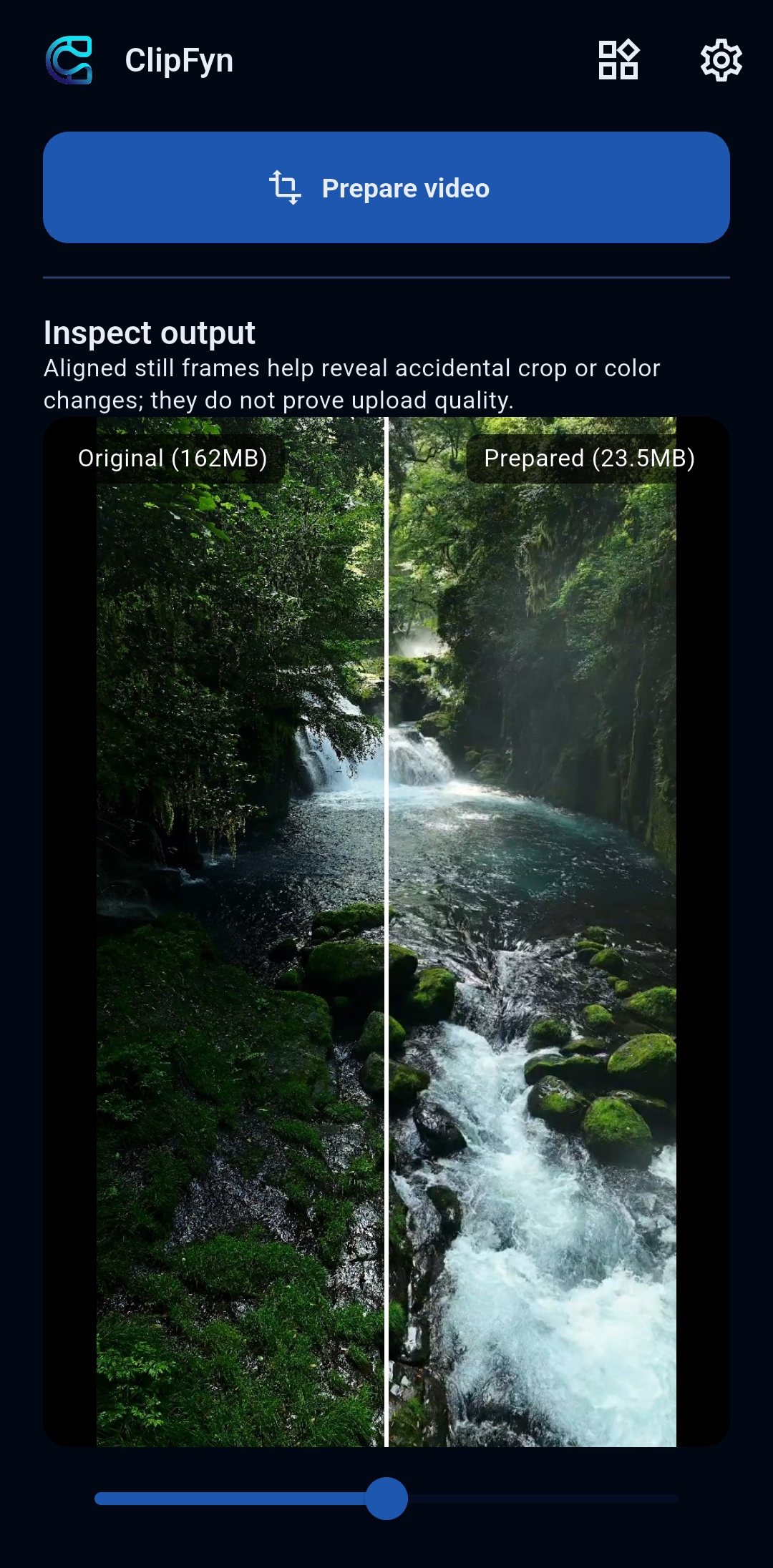
Side-by-Side Split Preview
Inspect focal clarity before publishing
Why Your Content Deserves ClipFyn
You put hours into filming, lighting, and scripting. Don't let mobile platform compression engines sabotage your reach and viewer perception.
Bypass Aggressive Android Compression
Social media upload engines crush high-bitrate Android uploads. ClipFyn pre-conditions your footage to exact 1080p CFR BT.709 standards so platforms ingest it cleanly without quality loss.
Safe-Zone & Aspect Control
Never lose crucial heads, captions, or product details to blind algorithmic crops. Choose Fill & Crop, Blurred Sidebars, or Native framing with live side-by-side preview.
100% On-Device Hardware Speed
Renders directly on your phone using Android MediaCodec hardware acceleration. Instant exports, zero battery drain, and zero video uploads to external servers.
Studio Clarity Without a $1,200 iPhone
Your Android camera is already great. ClipFyn fixes the upload pipeline so your Reels and Shorts look as crisp and fluid as top-tier creator content.
A Focused Flow from Source to Prepared Video
Inspect the source, choose a framing layout, compare results, and save or share.
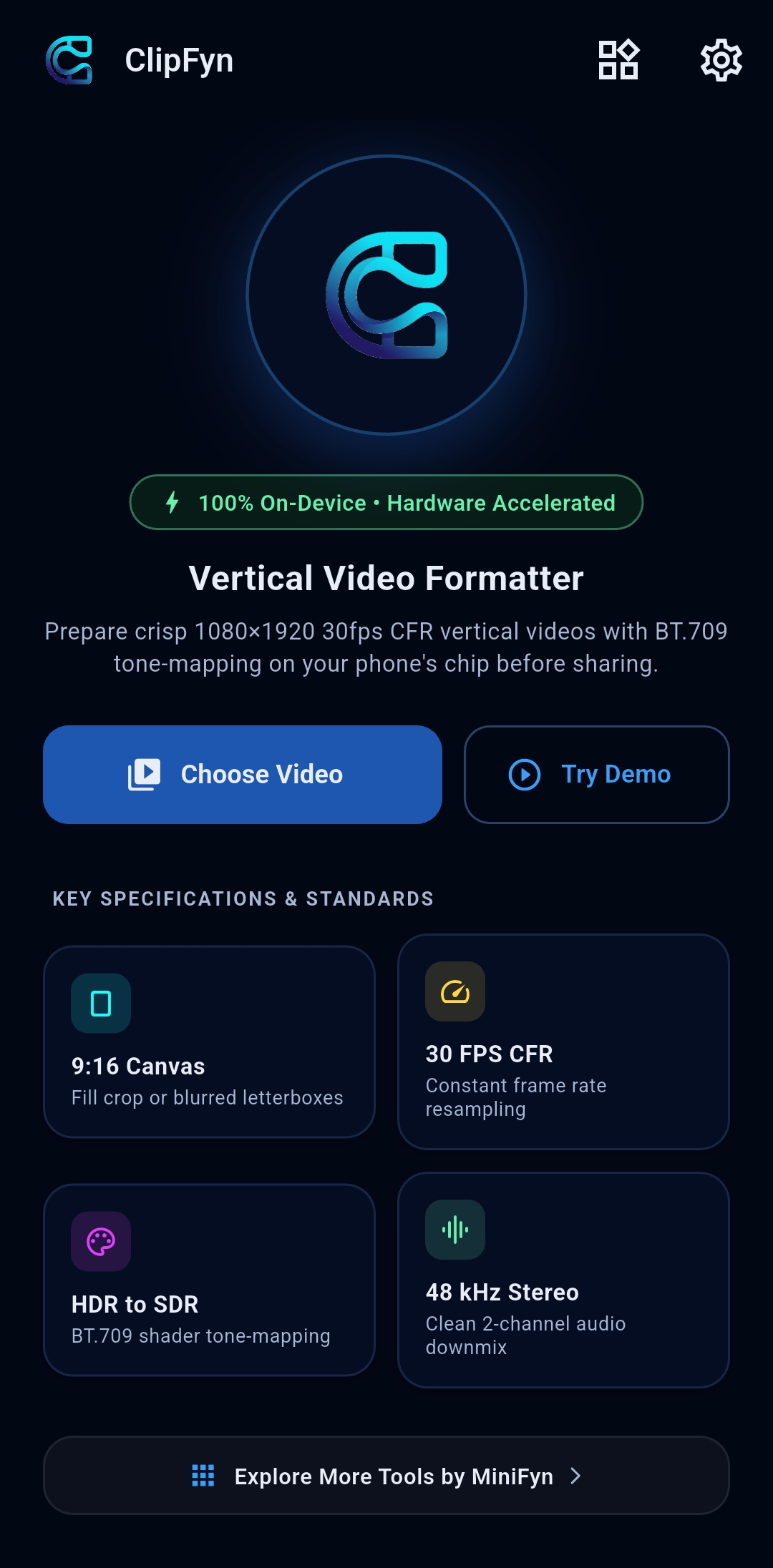
1. Instant Import & Diagnostics
Inspect resolution, rotation, frame cadence, and hardware encoder capabilities.
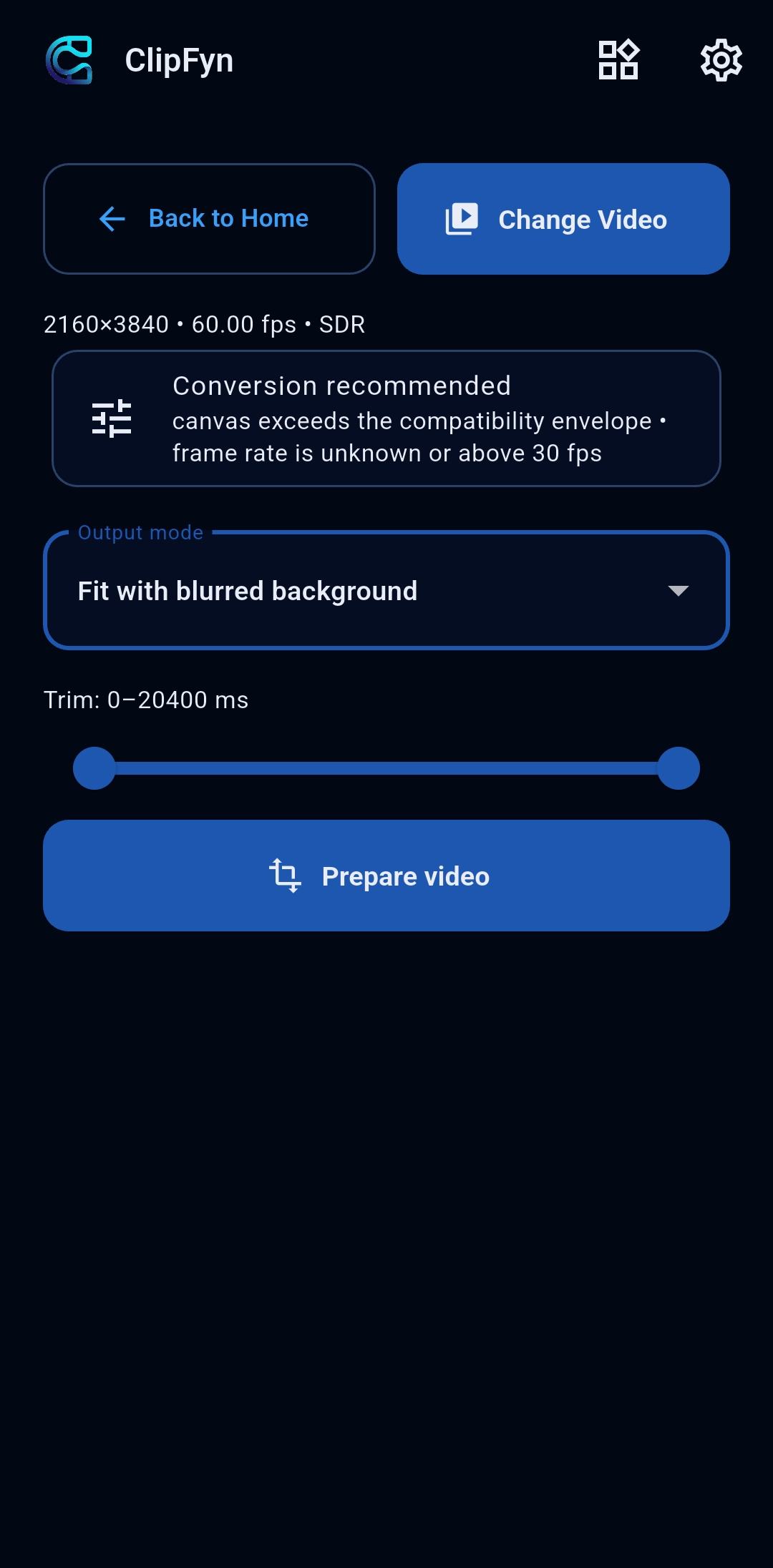
2. Smart 9:16 Aspect Modes
Choose Fill & Crop, Blurred Letterbox, or Original Aspect Ratio preservation.
3. Side-by-Side Clarity Preview
Split-screen comparison slider to inspect video framing and clarity before saving.
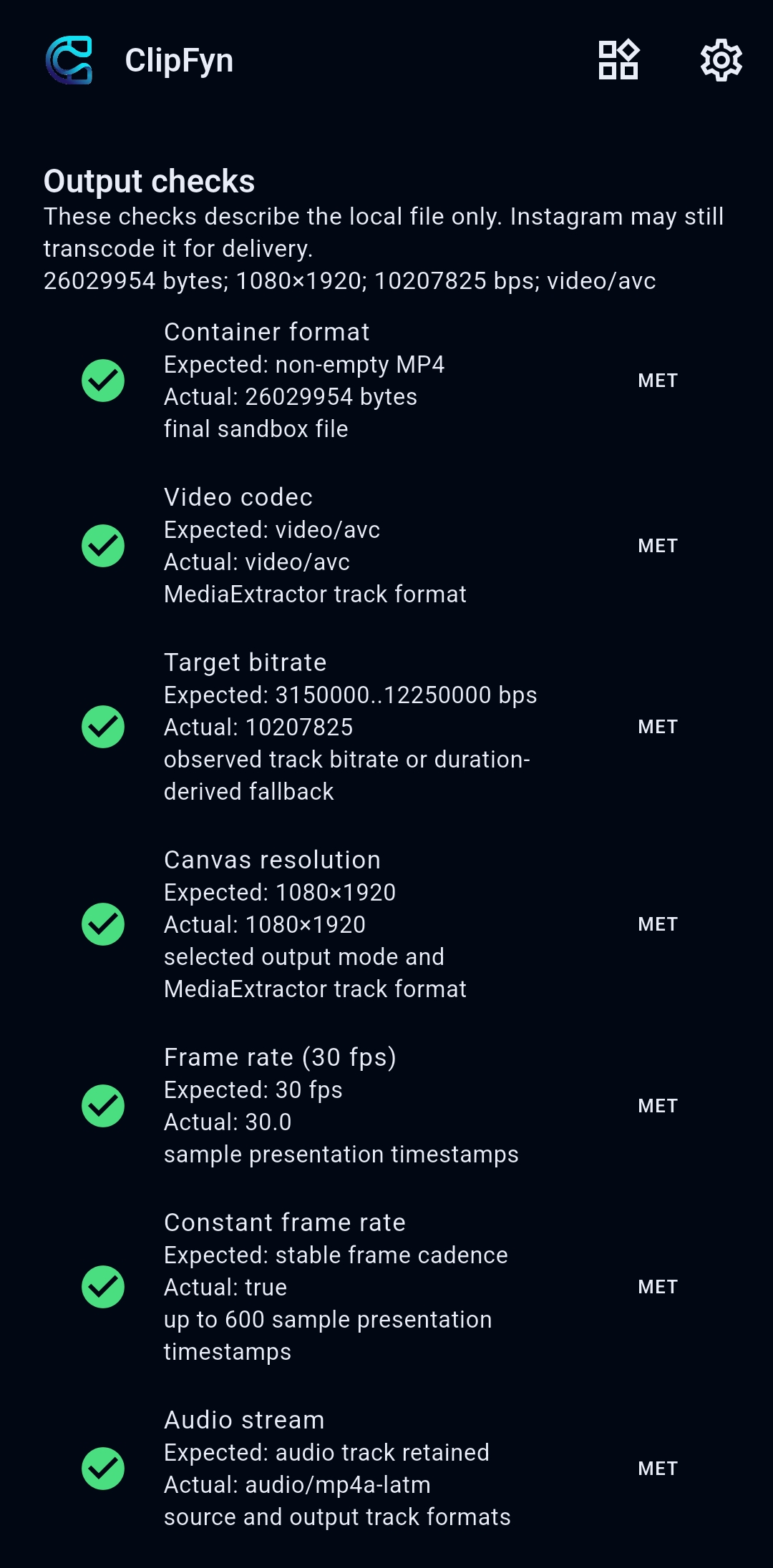
4. Standardized Output Checks
Verify 1080p, 30 FPS CFR, BT.709 SDR, and share directly via Android share sheet.
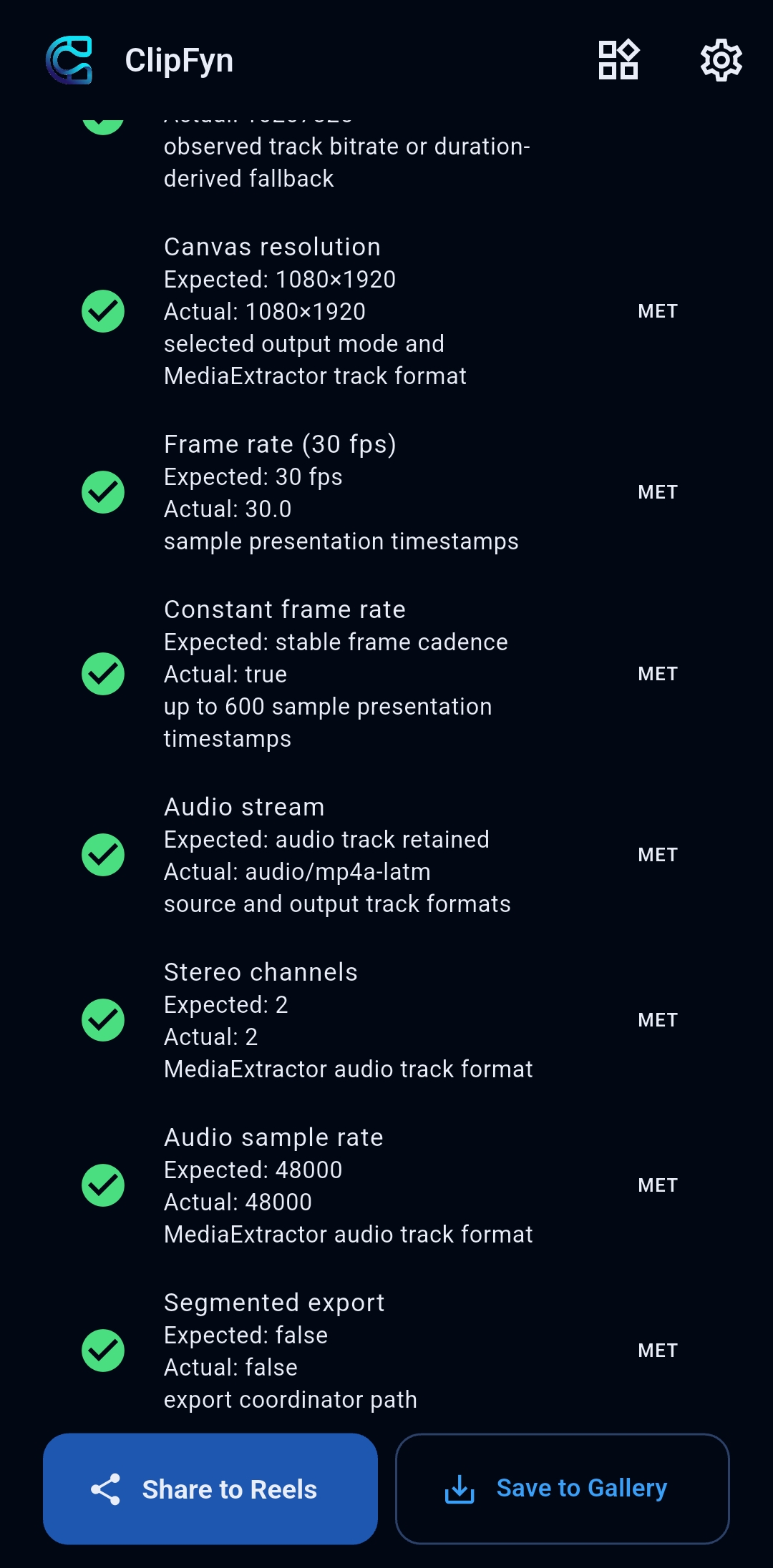
5. Hardware Profile & Engine
Dedicated SoC hardware encoder details and background performance controls.
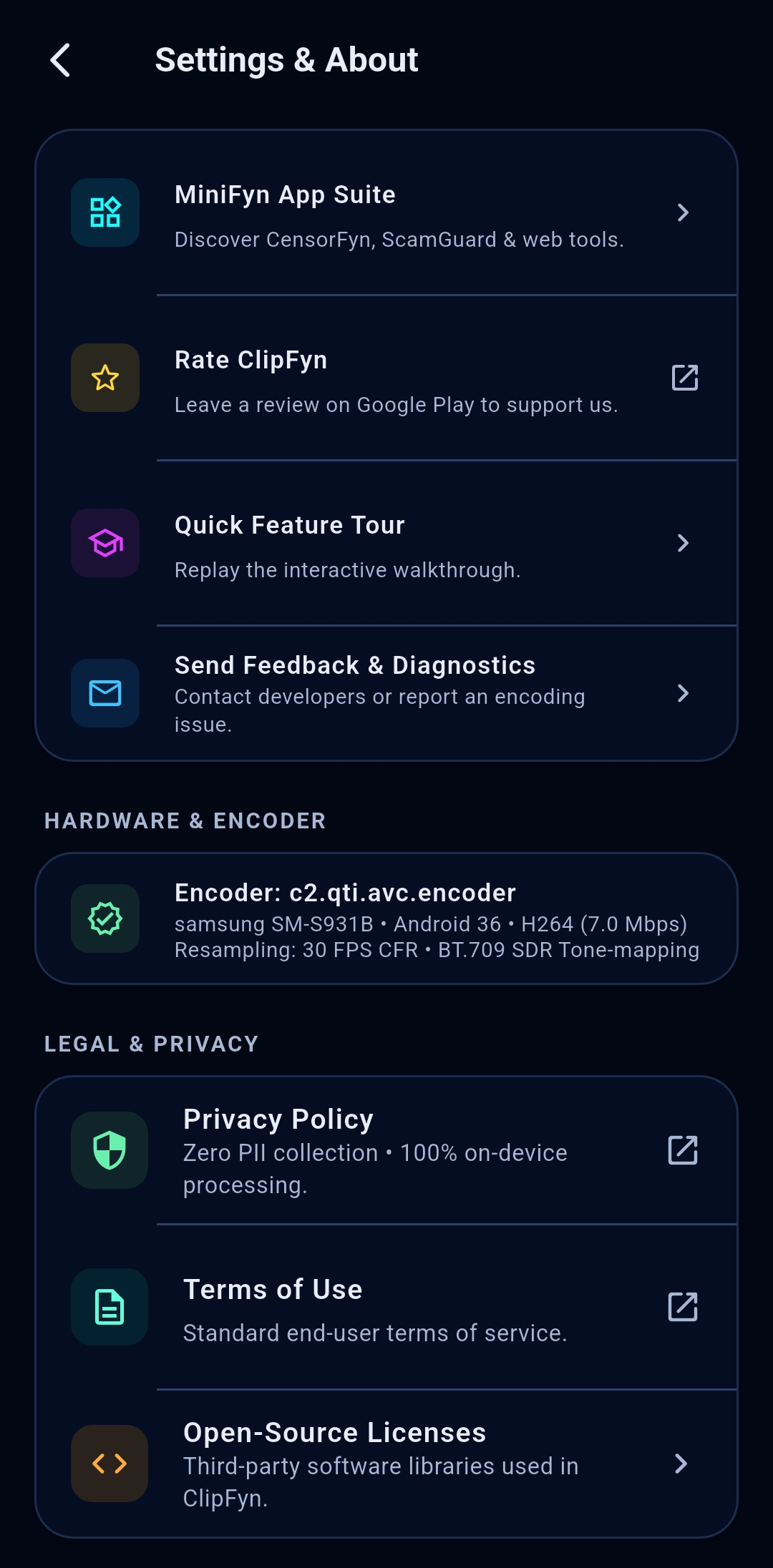
6. MiniFyn Suite Integration
Seamlessly access companion offline utilities including ScamGuard and CensorFyn.
When People Use ClipFyn
Designed for everyday situations where you have a video that needs clean vertical reformatting or inspection.
- Pre-conditioning sharp Android camera footage for Instagram Reels, TikTok & Shorts
- Fitting widescreen horizontal videos into 9:16 vertical feeds with aesthetic blurred sidebars
- Fixing Variable Frame Rate (VFR) jitter into locked 30 FPS Constant Frame Rate (CFR)
- Checking focal framing side-by-side before publishing to prevent bad platform crops
- Exporting directly via Android system share sheet with zero watermarks or cloud waitlists
What You Can Control
Simple, transparent controls over video aspect ratios and export quality.
Policies, Ownership & Support
This page serves as the verified public home for ClipFyn, connecting the product identity, the publisher, the Google Play listing, and the official legal policies.
Verified Publisher Details
- App Name: ClipFyn
- Package ID: com.minifyn.clipfyn
- Publisher: Sylvester Kumar Das (UDYAM-KL-12-0136086)
- Contact Email: sylvesterdas.dev@gmail.com
Frequently Asked Questions
Helpful context on video preparation, device requirements, and local processing.
Prepare Your Videos on Android with ClipFyn
ClipFyn is currently undergoing Google Play production-access review. Follow the listing for availability updates.

Questions or suggestions? Contact us directly at sylvesterdas.dev@gmail.com